Free Tier List Maker
Pick a template, drag things into S, A, B, C and D, and share your list. No sign-up, works on your phone.

Popular tier list templates
- Video game tier lists
- Anime & manga tier lists
- Movie & TV tier lists
- Music tier lists
- K-pop tier lists
- Food & drink tier lists
- Sports tier lists
- Tech & brand tier lists
- Book tier lists
- Animal tier lists
Video game tier lists
Rank characters, weapons, maps and whole franchises — from Genshin and Pokémon to Smash and League.






Anime & manga tier lists
Characters, seasons, openings and arcs — One Piece, Naruto, JoJo and this season’s shows.





Movie & TV tier lists
Every Marvel movie, every Star Wars film, sitcom characters, horror villains — rank the screen.




Music tier lists
Albums, discographies, rappers, bands and the songs of a decade.



K-pop tier lists
Groups, members, title tracks and comebacks — BTS, BLACKPINK, NewJeans and every generation.





Food & drink tier lists
Fast food chains, pizza toppings, snacks, sodas, cuisines — the tier lists everyone argues about.




Sports tier lists
Players, teams, seasons and all-time greats — football, NBA, NFL, F1 and more.





Tech & brand tier lists
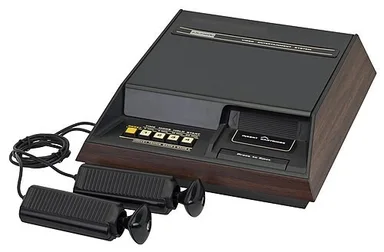
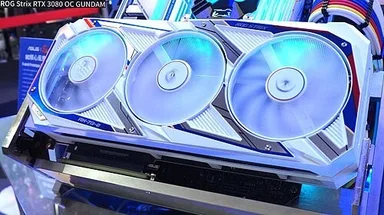
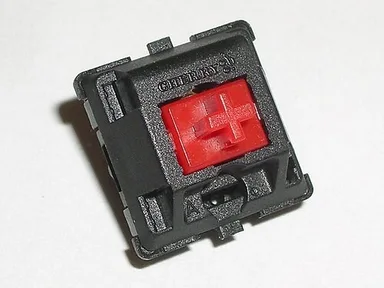
Phones, consoles, keyboards, programming languages, sneaker and car brands.



Book tier lists
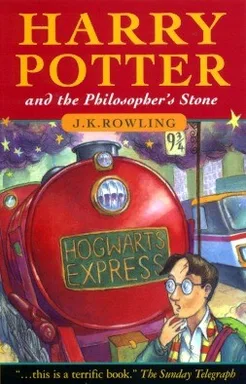
Novels, series, authors and the classics you were made to read.



Animal tier lists
Dog breeds, cat breeds, dinosaurs and which animal would win.




Picking up
Growing fast this week







How to make a tier list
Pick a template or upload images
Start from a ready-made template, or make your own from your pictures.
Drag items into tiers
Drop each item into S, A, B, C or D. On a phone, tap an item and then a tier.
Save and share
Save your list and share the link on X, Discord or TikTok.
What is a tier list?
A tier list ranks things in tiers from best to worst — usually S at the top, then A, B, C and D. It groups similar items together instead of forcing a strict order, which is why it works for characters, snacks, albums and just about anything else.
Why MyTierList
Free, no account needed
Make and share as many tier lists as you like. Sign in only if you want to keep them.
See what people think
On popular templates, see which tier most people put each item in.
Made for phones
Tap to place, no tiny drag targets. The same list on any screen.
In your language
Templates and the interface in thirteen languages, each with its own page.
Frequently asked questions
Is the tier list maker free?
Yes. Making, sharing and downloading tier lists is free.
Do I need an account?
No. You only need to sign in to save a list to your profile.
Can I use my own pictures?
Yes. The maker takes your own pictures, straight from your device.
Can I share my tier list?
Yes. Every saved list has its own page and link.
Can I make my own template?
Yes. Upload your images, name the tiers, and publish it for others or keep it private.